
Overview
Postman is a REST Client/Tool that can be used to perform request to endpoints.
From our partners:
Prerequisites
- Ubuntu 18.04
Installation via snap
01. Run the follow snap command
$ sudo snap install postman
02. Then run Postman via command line or the application launcher
Via Command Line
$ postman
Via Launcher
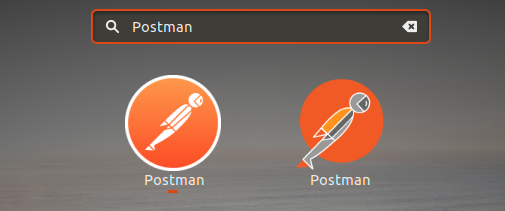
03. Congratulations! You’ve installed Postman.
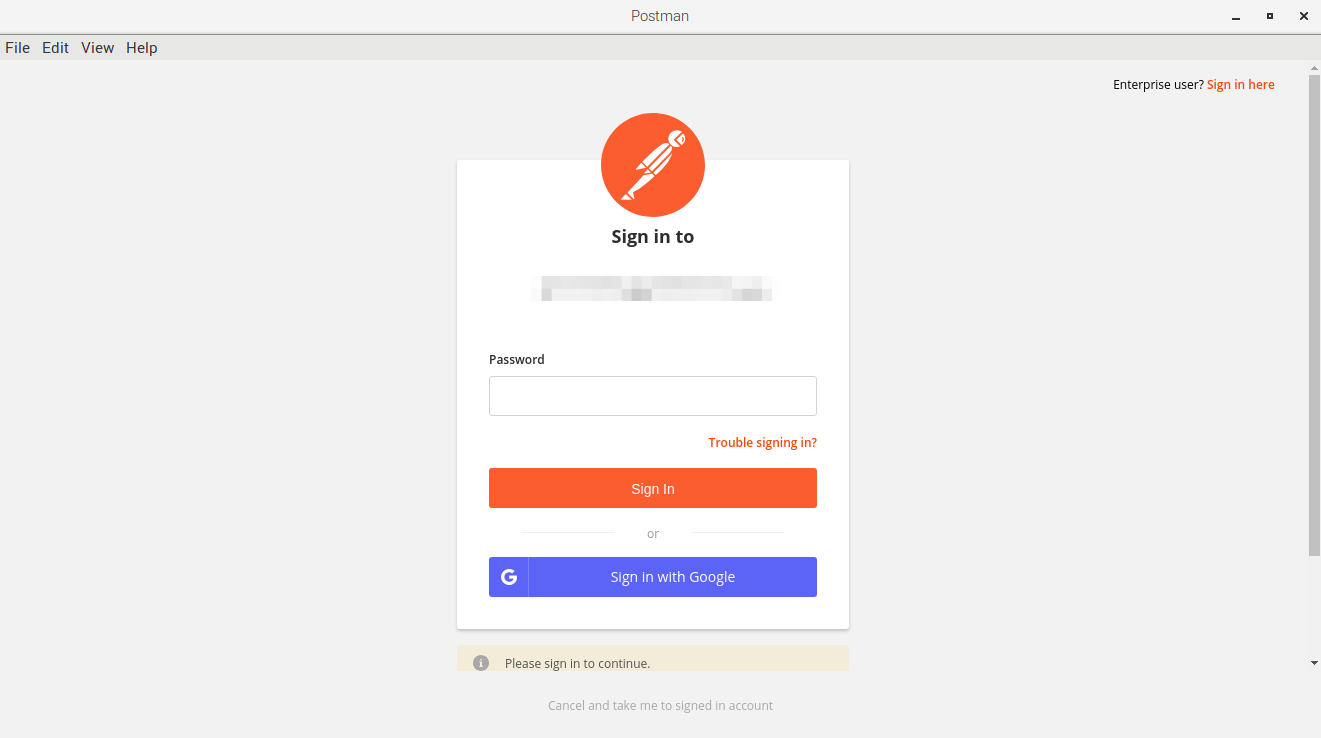
Installation via download
01. Download the installer at the Postman official website.
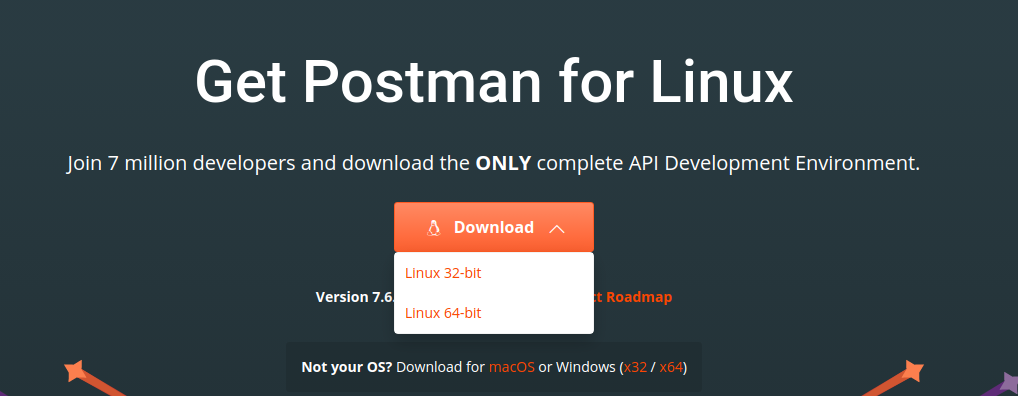
02. Download the installer into the local machine.
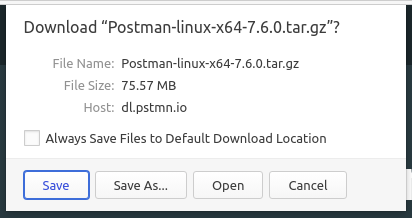
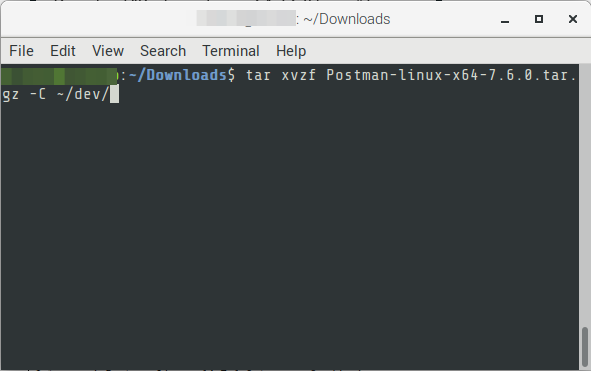
03. Open a terminal window, change directory to the downloaded file. Execute the following.
# FORMAT

$ cd {{download folder}}

$ tar xvzf Postman-{{platform-architecture-version}}.tar.gz -C {{destination-directory}}

# EXAMPLE

$ cd ~/Downloads

$ tar xvzf Postman-linux-x64-7.6.0.tar.gz -C ~/dev/
04. Navigate to the extracted destination directory and run the following to run Postman.
# FORMAT

$ cd {{destination-directory}}/Postman

$ bin/webstorm.sh

# EXAMPLE

$ cd ~/dev/Postman

$ Postman
05. Congratulations! You’ve installed Postman.
For enquiries, product placements, sponsorships, and collaborations, connect with us at [email protected]. We'd love to hear from you!
Our humans need coffee too! Your support is highly appreciated, thank you!