aster.cloud aster.cloud
  • /
  • Platforms
    • Public Cloud
    • On-Premise
    • Hybrid Cloud
    • Data
  • Architecture
    • Design
    • Solutions
    • Enterprise
  • Engineering
    • Automation
    • Software Engineering
    • Project Management
    • DevOps
  • Programming
    • Learning
  • Tools
  • About
  • /
  • Platforms
    • Public Cloud
    • On-Premise
    • Hybrid Cloud
    • Data
  • Architecture
    • Design
    • Solutions
    • Enterprise
  • Engineering
    • Automation
    • Software Engineering
    • Project Management
    • DevOps
  • Programming
    • Learning
  • Tools
  • About
aster.cloud aster.cloud
  • /
  • Platforms
    • Public Cloud
    • On-Premise
    • Hybrid Cloud
    • Data
  • Architecture
    • Design
    • Solutions
    • Enterprise
  • Engineering
    • Automation
    • Software Engineering
    • Project Management
    • DevOps
  • Programming
    • Learning
  • Tools
  • About
  • Engineering
  • Learning

ABC’s of the Linux Nano Editor.

  • John Francis
  • October 10, 2023
  • 2 minute read

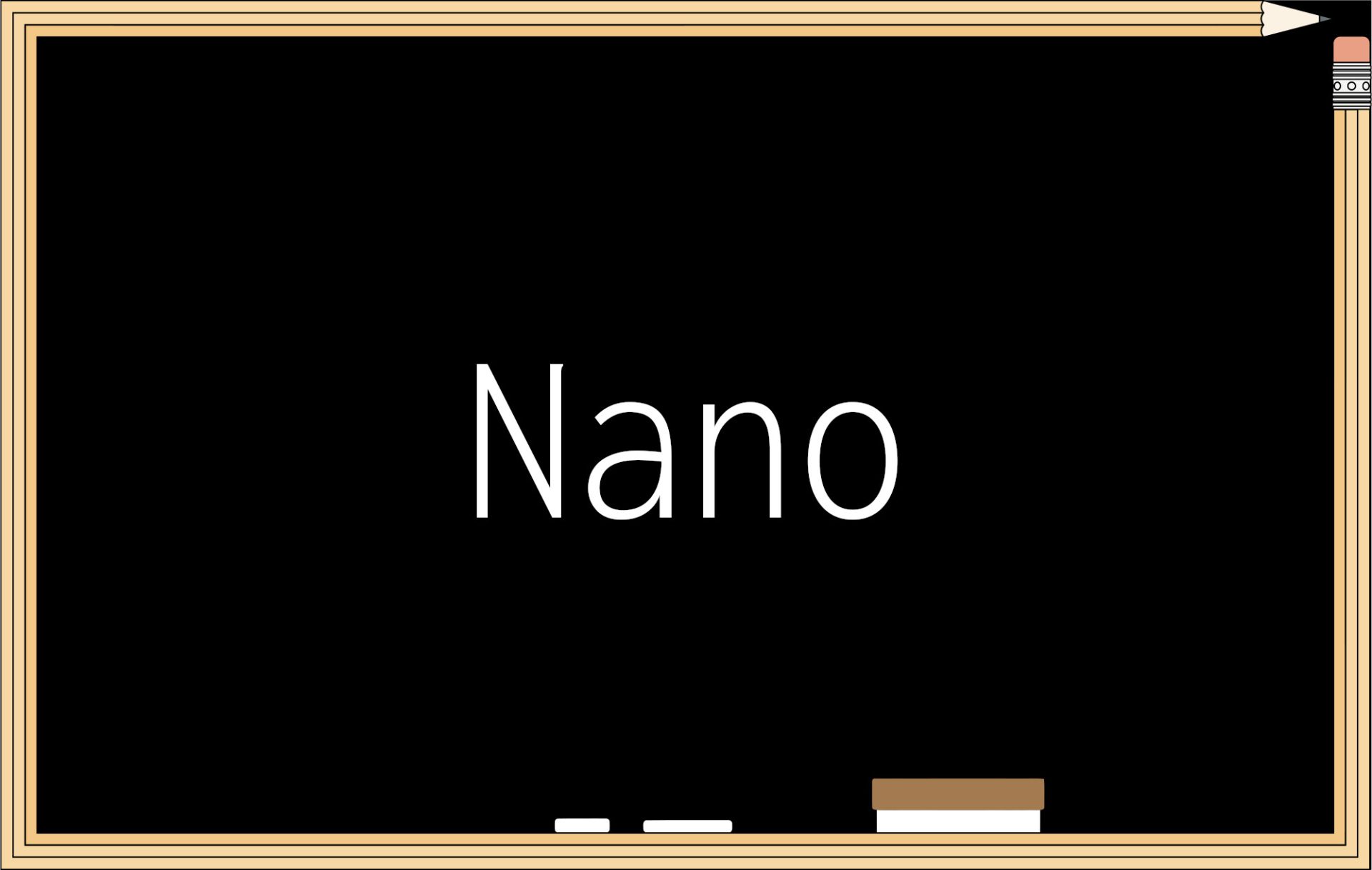
Nano is a text editor for Linux, a default in Ubuntu. It is a simple editor, unlike VI. It might not be as powerful, but for simple things like editing configuration files, it does the job well.

01. Nano stands for …

Nano is an acronym for “Nano’s ANOther editor”. Which is inspired by Pico.


Partner with aster.cloud
for your next big idea.
Let us know here.


From our partners:

CITI.IO :: Business. Institutions. Society. Global Political Economy.
CYBERPOGO.COM :: For the Arts, Sciences, and Technology.
DADAHACKS.COM :: Parenting For The Rest Of Us.
ZEDISTA.COM :: Entertainment. Sports. Culture. Escape.
TAKUMAKU.COM :: For The Hearth And Home.
ASTER.CLOUD :: From The Cloud And Beyond.
LIWAIWAI.COM :: Intelligence, Inside and Outside.
GLOBALCLOUDPLATFORMS.COM :: For The World's Computing Needs.
FIREGULAMAN.COM :: For The Fire In The Belly Of The Coder.
ASTERCASTER.COM :: Supra Astra. Beyond The Stars.
BARTDAY.COM :: Prosperity For Everyone.

02. How to install nano

Ubuntu and Debian

sudo apt install nano

CentOS and Fedora

sudo yum install nano

03. Basics

Opening nano

Can execute it without any parameters. This opens an editor in a buffer. You can interact with, but you would need to write to a file in order persist it in the disk. 

nano

Write to a file

After adding content you can save your work by using the shortcut `Ctrl + O` or `Command + O`. 

Indicate the name of the file. Remember that when you opened the editor? It will be written in the same directory where `nano` was executed. Press enter after setting the file name.

Exit the editor

To exit from the editor, use the shortcut `Ctrl + X` or `Command + X`

View the file created using the `ls` command. Or read it using `cat`.

Opening a file

If a file is not yet existing, it will create a new one.

nano another greetings.txt

04. Shortcuts

Help

Opens the complete list of shortcuts using `Ctrl + G` or `Command + G`

Search or `Ctrl + G` or `Command + G`

Useful when searching for configuration files.

Type the text to search and press Enter. Pressing enter multiple times, will skim through the file and find the next occurrence.

Read More  How Linux Came To The Mainframe

05. Opening a file with different options.

Show line numbers

nano /path/to/file -l

`l` or `–linenumbers`. Sometimes you already have a copy of a file in your local machine. For example a settings.json and you need to update this configuration quickly on your development environment. If you know the line number, it’s easier to find it. 

Having backups

nano /path/to/file -B

`-B` or `–backup` will save the previous version of the edited file with ‘~’ at the end. This is not like a versioning system, but it’s a good safeguard when dealing with configuration files.

Nano is an efficient editor and it does it job well. In most cases when you’re just visiting a server and making some tweaks, it will be sufficient.


Thank you ZedOptima for sponsoring this article.


For enquiries, product placements, sponsorships, and collaborations, connect with us at [email protected]. We'd love to hear from you!

Our humans need coffee too! Your support is highly appreciated, thank you!

John Francis

Related Topics
  • Linux
  • Nano
  • Text Editor
You May Also Like
Points, Lines and a Question
View Post
  • Architecture
  • Design
  • Engineering
  • People

What Is The Point In Making Points?

  • November 26, 2025
View Post
  • Engineering
  • Software Engineering

Development gets better with Age

  • October 9, 2025
View Post
  • Engineering
  • Technology

Apple supercharges its tools and technologies for developers to foster creativity, innovation, and design

  • June 9, 2025
View Post
  • Engineering

Just make it scale: An Aurora DSQL story

  • May 29, 2025
Getting things done makes her feel amazing
View Post
  • Computing
  • Data
  • Featured
  • Learning
  • Tech
  • Technology

Nurturing Minds in the Digital Revolution

  • April 25, 2025
View Post
  • Engineering
  • Technology

Guide: Our top four AI Hypercomputer use cases, reference architectures and tutorials

  • March 9, 2025
View Post
  • Computing
  • Engineering

Why a decades old architecture decision is impeding the power of AI computing

  • February 19, 2025
View Post
  • Engineering
  • Software Engineering

This Month in Julia World

  • January 17, 2025

Stay Connected!
LATEST
  • digital-nomad-freelancer-worker-2151205464 1
    One paperwork problem – Get your Digital Nomad Visa employment documents fast from UK, EU or Singapore
    • June 16, 2026
  • 2
    Samsung Art Store Brings Art Basel to Homes Worldwide With New Curated Collection
    • June 15, 2026
  • 3
    You Do Not Need to Invest in the IPO of SpaceX, Anthropic, and OpenAI
    • June 10, 2026
  • 4
    The consequences of relying on AI for accurate news
    • June 10, 2026
  • 5
    Connecting AI agents with unstructured data using Google Cloud Storage MCP Servers
    • June 10, 2026
  • 6
    WWDC26: Apple unveils next generation of Apple Intelligence, Siri AI, powerful parental controls, and an expansive set of software improvements
    • June 8, 2026
  • 7
    IBM and Google Cloud Announce Strategic Partnership to Scale AI with Human Expertise and AI‑Powered Delivery
    • June 4, 2026
  • Data center 8
    Data Sovereignty in Spain. It’s Not Just About the Law, It’s About Efficiency
    • June 3, 2026
  • 9
    Ink vs Pixels. What you miss versus what you are actually missing.
    • June 1, 2026
  • 10
    Banks race to patch new cyber vulnerabilities, and other cybersecurity news
    • May 25, 2026
about
Hello World!

We are aster.cloud. We’re created by programmers for programmers.

Our site aims to provide guides, programming tips, reviews, and interesting materials for tech people and those who want to learn in general.

We would like to hear from you.

If you have any feedback, enquiries, or sponsorship request, kindly reach out to us at:

[email protected]
Most Popular
  • pope-leo-xiv-cq5dam-1500.844 1
    Pope Leo XIV to Publish First Encyclical on Artificial Intelligence and Human Dignity on 25 May
    • May 22, 2026
  • 2
    Portfolio to Clients, and is Strengthened by Ongoing Project Glasswing Work
    • May 20, 2026
  • reMarkable Paper Pure 3
    Everything The reMarkable Paper Pure Actually Does
    • May 14, 2026
  • 4
    Scaling cloud and AI: Microsoft Azure’s commitment to Europe’s digital future
    • May 11, 2026
  • Anthropic Institute 5
    Introducing The Anthropic Institute
    • March 11, 2026
  • /
  • Technology
  • Tools
  • About
  • Contact Us

Input your search keywords and press Enter.