We’re excited to announce the release of a major update to the Google Cloud Python logging library.
v3.0.0 makes it even easier for Python developers to send and read logs from Google Cloud, providing real-time insights into what is happening in your application. If you’re a Python developer working with Google Cloud, now is a great time to try out Cloud Logging!
From our partners:
If you’re unfamiliar with the `google-cloud-logging` library, getting started is simple. First, download the library using pip:
$ pip install "google-cloud-logging>=3.0.0"
Now, you can set up the client library to work with Python’s built-in `logging` library. Doing this will make it so that all your standard Python log statements will start sending data to Google Cloud:
# set up the Google Cloud Logging python client libraryimport google.cloud.loggingclient = google.cloud.logging.Client()client.setup_logging()# use Python's standard logging library to send logs to GCPimport logginglogging.warning("Hello World")
We recommend using the standard Python `logging` interface for log creation, as demonstrated above. However, if you need access to other Google Cloud Logging features (reading logs, managing log sinks, etc), you can use `google.cloud.logging` directly:
import google.cloud.loggingclient = google.cloud.logging.Client()logger = client.logger(name="log_id")client.list_entries(max_size=5) # read logs from GCPlogger.log("hello world", resource={"type":"global", "labels":{}}) # write log to GCP
Here are some of the main features of the new release:
Support More Cloud Environments
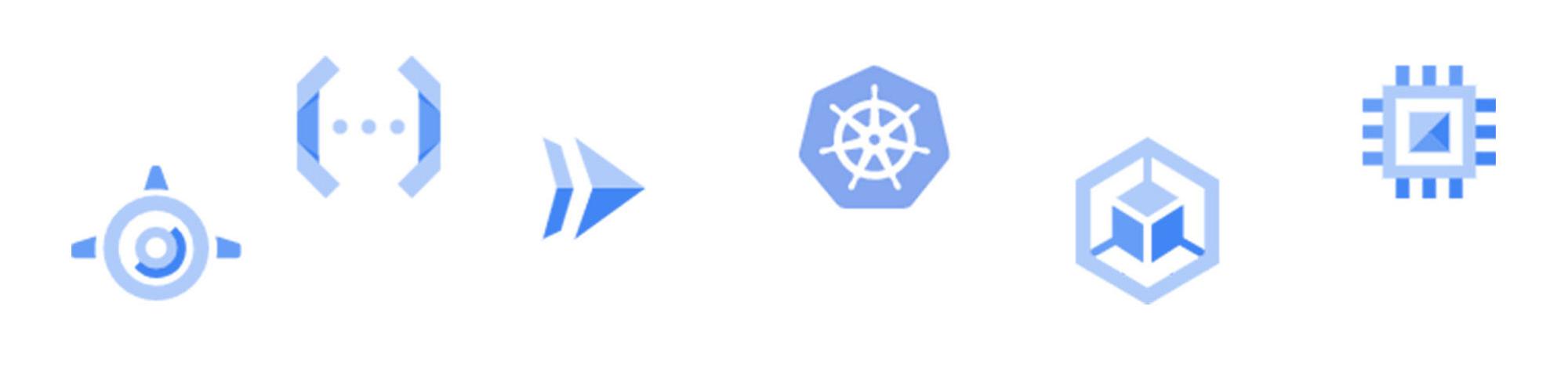
Previous versions of google-cloud-logging supported only App Engine and Kubernetes Engine. Users reported that the library would occasionally drop logs on serverless environments like Cloud Run and Cloud Functions. This was because the library would send logs in batches over the network. When a serverless environment would spin down, unsent batches could be lost.
v3.0.0 fixes this issue by making use of GCP’s built in structured JSON logging functionality on supported environments (GKE, Cloud Run, or Cloud Functions). If the library detects it is running on an environment that supports structured logging, it will automatically make use of the new StructuredLogHandler, which writes logs as JSON strings printed to standard out. Google Cloud’s built-in agents will then parse the logs and deliver them to Cloud Logging, even if the code that produced the logs has spun down.
Structured Logging is more reliable on serverless environments, and it allows us to support all major GCP compute environments in v3.0.0. Still, if you would prefer to send logs over the network as before, you can manually set up the library with a CloudLoggingHandler instance:
from google.cloud.logging.handlers import CloudLoggingHandlerfrom google.cloud.logging_v2.handlers import setup_logging# explicitly set up a CloudLoggingHandler to send logs over the networkhandler = CloudLoggingHandler(client)setup_logging(handler)import logginglogging.warning(“Hello World”)
Metadata Autodetection


When you troubleshoot your application, it can be useful to have as much information about the environment as possible captured in your application logs. `google-cloud-logging` attempts to help in this process by detecting and attaching metadata about your environment to each log message. The following fields are currently supported:
- `resource`: The Google Cloud resource the log originated from
- for example, Functions, GKE, or Cloud Run
- `httpRequest`: Information about an HTTP request in the log’s context
- Flask and Django are currently supported
- `sourceLocation` : File, line, and function names
- trace, spanId, and traceSampled: Cloud Trace metadata
- Supports X-Cloud-Trace-Context and w3c transparent trace formats
The library will make an attempt to populate this data whenever possible, but any of these fields can also be explicitly set by developers using the library.
logging.info("hello", extra={"labels": {"foo": "bar"},"http_request": {"requestUrl": "localhost"},"trace": "01234"})
JSON Support in Standard Library Integration
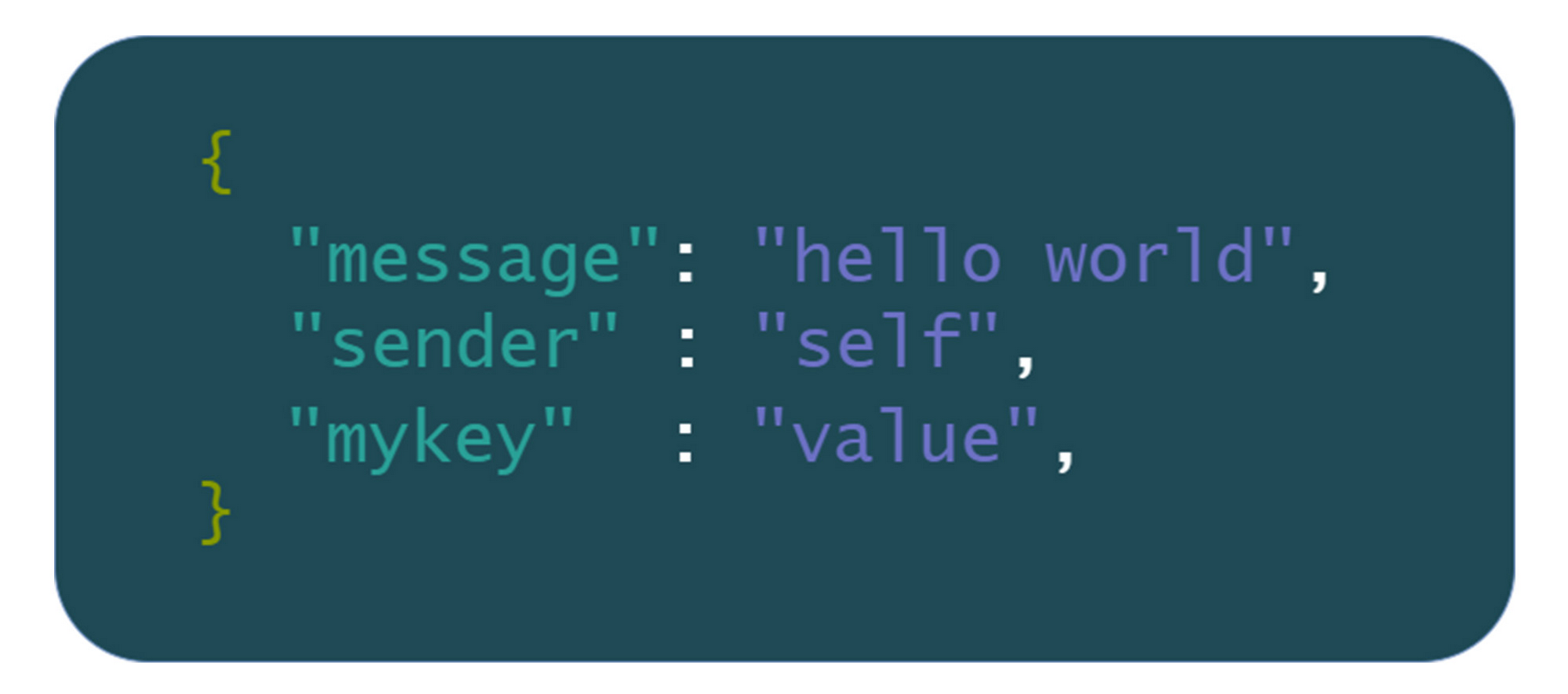
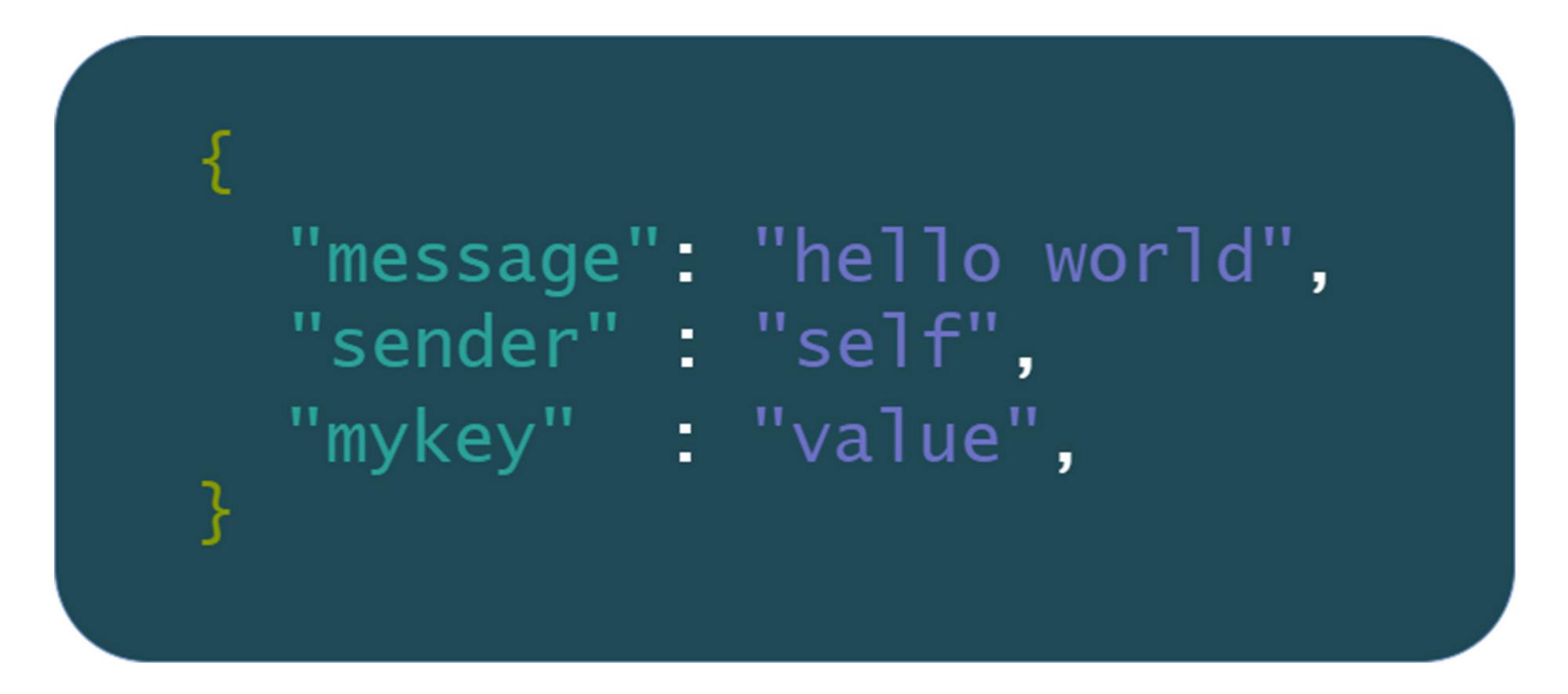
Google Cloud Logging supports both string and JSON payloads for LogEntries, but up until now, the Python standard library integration could only send logs with string payloads.
In `google-cloud-logging` v3, you can log JSON data in two ways:
1. Log a JSON-parsable string:
import loggingimport jsondata_dict = {"hello": "world"}logging.info(json.dumps(data_dict))
2. Pass a `json_fields` dictionary using Python logging’s `extra` argument:
import loggingdata_dict = {"hello": "world"}logging.info("message field", extra={"json_fields": data_dict})
Next Steps
With version v3.0.0, the Google Cloud Logging Python library now supports more compute environments, detects more helpful metadata, and provides more thorough support for JSON logs. Along with these major features, there are also user-experience improvements like a new log method and more permissive argument parsing.
If you want to learn more about the latest release, these changes and others are described in more detail in the v3.0.0 Migration Guide. If you’re new to the library, check out the google-cloud-logging user guide. If you want to learn more about observability on GCP in general, you can spin up test environments using Cloud Ops Sandbox.
Finally, if you have any feedback about the latest release, have new feature requests, or would like to make any contributions, feel free to open issues on our GitHub repo. The Google Cloud Logging libraries are open source software, and we welcome new contributors!
By: Daniel Sanche (Developer Programs Engineer)
Source: Google Cloud Blog
For enquiries, product placements, sponsorships, and collaborations, connect with us at [email protected]. We'd love to hear from you!
Our humans need coffee too! Your support is highly appreciated, thank you!